
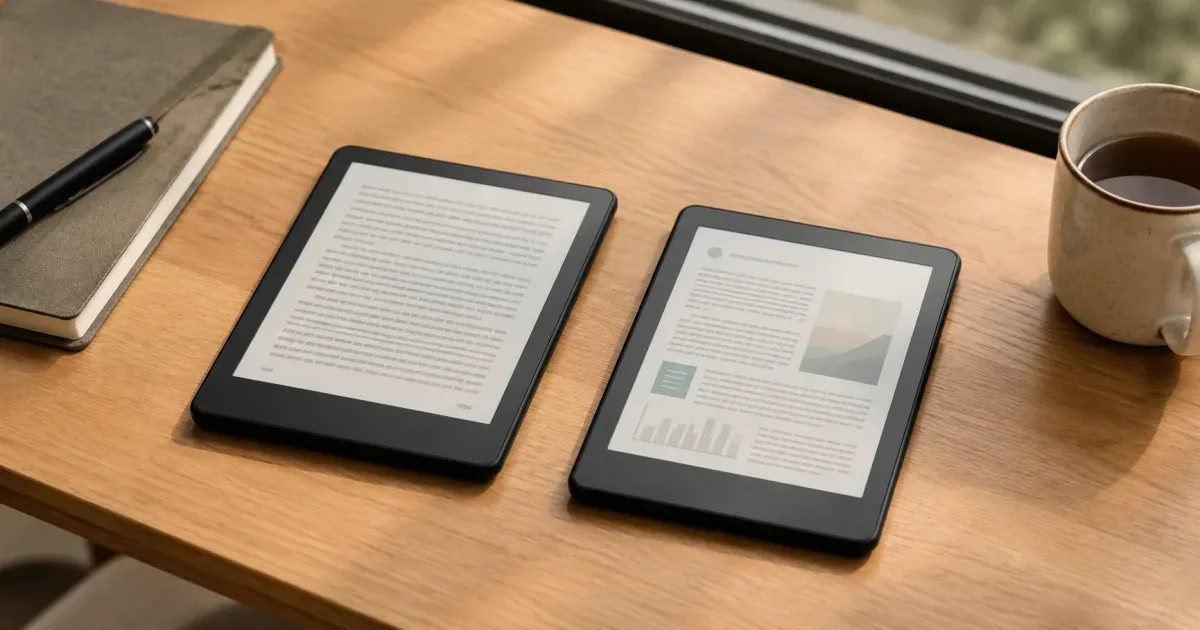
The Kindle Paperwhite holds 4.7 stars across 19,483 Amazon reviews. The Kindle Colorsoft sits at 4.6 across 2,305. Both listings show “10K+ bought in past month.” Close numbers — but the reviews behind them tell two different stories.
This is not a spec comparison — it is a straight rundown of Kindle Paperwhite reviews and complaints, set against the Colorsoft’s. We went through Amazon’s aggregated review data for both e-readers — every theme owners mention, with exact counts of positive and negative mentions — plus the reviews other buyers voted most helpful. Below: the five praises that dominate, the five complaints that keep coming up, and what they mean for the gap between these two devices.
The Paperwhite 16GB sells for $159.99. The Colorsoft 16GB runs $249.99. Whether the extra $90 survives the complaints section is the real question.
Kindle Paperwhite 16GB (2026)
Pros
- 85% of 19,483 reviews rate it 5 stars
- Quality: 682 of 732 mentions positive
- Weight: 465 of 498 mentions positive
Cons
- Battery: 146 of 600 mentions negative
- Usability: 144 of 536 mentions negative
- Power button sits where fingers rest
Kindle Colorsoft 16GB (2026)
Pros
- 81% of 2,305 reviews rate it 5 stars
- Device quality: 170 of 190 mentions positive
- Color covers, highlights and graphic novels
Cons
- Color: 89 of 292 mentions negative
- $90 premium over the Paperwhite
- Value for money gets mixed reviews
What 21,788 owners keep praising
Ranked by how many owners bring each theme up, using Amazon’s own positive-to-negative counts. Quotes are verbatim from verified purchases.
What owners praise
- 01
The reading experience itself
“The backlighting, unlike a computer, tablet, or phone, is gentle because the Kindle’s light is directed onto the screen, not into your eyes.”
420 of 435 Paperwhite mentions positive (97%) · quote from the review 1,296 people found helpful
- 02
Build quality
“What a great product! No more trekking to the library, no waiting for holds and I’m no longer limited to what my library has to offer.”
Paperwhite: 682 of 732 mentions positive (93%) · Colorsoft: 170 of 190 (89%) · verified purchase
- 03
Weight and portability
“Wonderful not to carry heavy book when I go to hospital for my infusions.”
465 of 498 Paperwhite mentions positive (93%) · verified purchase
- 04
Battery life
“I used it for a week, did not charge it for two weeks (or more?) and opened it — 90% charge still.”
454 of 600 Paperwhite mentions positive · quote from a Colorsoft review 231 people found helpful
- 05
Speed
“The 2024 has almost no latency; if it does I have a hard time noticing it.”
381 of 464 Paperwhite mentions positive (82%) · quote from the review 628 people found helpful
The Kindle Paperwhite reviews and complaints that keep coming up
Same method, other direction: the five themes with the largest negative counts across both devices.
What owners complain about
- 01
Screen tone and color quality
“Kinda reminds me of looking at a computer screen from the 90’s.”
Biggest combined bucket: 132 of 403 Paperwhite color mentions negative · 89 of 292 on the Colorsoft · verified Colorsoft purchase, 4-star review
- 02
Battery life vs the marketing
146 of 600 battery-life mentions negative — the single largest complaint bucket on the Paperwhite. The listing says “up to 12 weeks”; the negative mentions say heavy readers charge far more often.
- 03
Software and navigation
“It’s ridiculously hard to navigate. It’s not user friendly. I wish I never bought it.”
144 of 536 Paperwhite usability mentions negative · verified purchase
- 04
The Colorsoft’s price
“I think the price is too high at full retail. I wouldn’t have bought it at the original price.”
Amazon’s aggregation flags value for money as mixed · quote from a 5-star review 448 people found helpful
- 05
Hardware annoyances
“Absolutely stupid spot for the power button (on the bottom). My finger constantly shuts off the unit while I’m reading.”
Recurring Paperwhite gripes: power-button placement, older covers don’t fit · Colorsoft: sync glitches reported · verified purchase
Which one do the reviews point to?
For most readers, the numbers point one way: the Paperwhite. It costs $159.99, holds the higher rating on nine times the review volume, and owns the best approval ratio in this entire analysis — 420 of 435 reading-experience mentions positive.
The Colorsoft earns its $249.99 for one specific reader. As the device’s most helpful review (698 votes) puts it: “For me, having the Colorsoft for reading comics, graphic novels, and full-color pages is an absolute game-changer.” If that’s you, the muted palette is a trade-off, not a dealbreaker.
If you read plain text and just like the idea of color covers, the reviews say keep the $90: 89 of 292 color mentions call the palette dull, and even 5-star owners flag the price.
What is the most common complaint about the Kindle Paperwhite?
By Amazon’s aggregated counts: battery life (146 of 600 mentions negative), software and navigation (144 of 536), and screen tone (132 of 403 color mentions). The reading hardware itself — quality, weight, screen clarity — draws very few complaints.
Is the Kindle Colorsoft worth $90 more than the Paperwhite?
Only if you read comics, graphic novels, or picture-heavy books. 89 of 292 color mentions call the palette muted, and Amazon’s own aggregation flags value for money as mixed. For plain-text reading, owners rate the cheaper Paperwhite higher.
Does the Kindle Colorsoft still have the yellow-band screen issue?
Early units reported a yellow band at the bottom of the screen. The three most helpful reviews on the listing (September 2025 – January 2026) all state their units show no trace of it. Amazon’s listing carries a free 30-day refund or replacement either way.
Which Kindle do owners rate higher?
The Paperwhite: 4.7 stars with 85% five-star reviews across 19,483 ratings, versus 4.6 stars with 81% five-star across 2,305 for the Colorsoft.
Is the Kindle Paperwhite worth buying in 2026?
The data says yes for most readers: 4.7 stars across 19,483 reviews, 10K+ bought in the past month, and 93% of quality mentions positive. The complaints concentrate in software and the power-button placement, not the reading hardware.